Launch anywhere RetroArch ready
Here's what this repo does. Launch ROMs with built‐in RetroArch detection.
misobadev/neostation-frontend
The Multiplatform Emulation Frontend.
THE USEFUL PART
The Multiplatform Emulation Frontend.
THE STACKRADAR WALKTHROUGH
A short introduction from our reel. See the project README for the current details.
Here's what this repo does. Launch ROMs with built‐in RetroArch detection.
It also auto‐creates.m3u playlists for multi‐disc games and organizes each title into tidy folders, you can even tag platforms, so searching works like a breeze.
Beyond launching, NeoStation syncs your saves to the cloud, tracks RetroAchievements, pulls cover art via ScreenScraper, all data stays encrypted, and you can switch profiles without losing anything.
GITHUB SNAPSHOT
Recorded counts, not a growth rate or a quality score.
OBSERVED STAR HISTORY
Daily source snapshots are collected automatically. A trend appears after at least two real observations—no invented historical growth.

FROM THE PROJECT
Source excerpts from the project's README. Not an independent review, verification or security audit.
Modern, multi-platform emulation frontend built with Flutter
[](https://www.gnu.org/licenses/gpl-3.0) [](https://discord.gg/xE2kgKsRVq) [](https://github.com/misobadev/neostation-frontend) [](https://github.com/misobadev/neostation-frontend/issues) %20%7C%20macOS%20%7C%20Android-blue)
NeoStation provides a fast, lightweight, and customizable experience for managing and launching retro games across desktop and mobile devices, with seamless integration for RetroArch and standalone emulators.
Modern & customizable UI: Designed for both large screens and handheld devices, with themes and animations.
Collection management: Intuitively organize your ROMs and platforms.
Multi-disc ROM organization: Automatically create .m3u playlists for your multi-disc games and organize them into game folders.
RetroArch & standalone emulator integration: Easy configuration and auto-detection.
Multi-platform support: Windows, Linux, macOS, and Android.
Lightweight & fast: Built with web and native technologies for maximum performance.
Advanced configuration: Deep customization options for power users.
Cloud save sync (NeoSync): Register, log in, email verification, and profile management.
RetroAchievements support: Track achievements and leaderboard progress.
ScreenScraper integration: Automatic metadata and media scraping.
Gamepad & keyboard navigation: Full controller support across all platforms.
12 languages supported: English, Spanish, Portuguese, Russian, Chinese (Simplified & Traditional), French, German, Italian, Indonesian, Japanese, Korean.
The built-in organizer helps prepare multi-disc games for emulators that use .m3u playlists:
Open Settings > Tools.
Select Organize Multi-Disc Games.
NeoStation recursively scans all configured ROM folders and detects disc sets using Disc, Disk, or CD filename markers.
Each detected set is placed in a game folder with an .m3u playlist. Existing playlists are reused rather than duplicated.
Folders that already contain .m3u playlists are skipped during the scan.
| Platform | Status | Notes |
|---|---|---|
| Windows | ✅ Supported | x64 |
| Linux | ✅ Supported | x64, ARM64 (AppImage, Flatpak) |
| macOS | ✅ Supported | Apple Silicon & Intel |
| Android | ✅ Supported | ARM64, Android TV compatible |
Flutter SDK ≥ 3.9.2 — but CI pins an exact version in .fvmrc, and
pubspec.lock is committed as that version resolves it. Build on the pinned version (fvm use reads .fvmrc directly) or CI will reject your lockfile: every job runs flutter pub get --enforce-lockfile.
Dart SDK (bundled with Flutter)
Git
RetroArch or standalone emulators
Two independently maintained packages are available from the Arch User Repository:
neostation-bin repackages the official Linux AppImage release.
neostation builds NeoStation from release source, while retaining some prebuilt third-party components. Integrations that rely on compile-time settings may differ from official builds; see Build-time Configuration.
Choose one package; they cannot be installed together. Review its PKGBUILD before installing. The AUR packaging is maintained independently of the NeoStation team and is not part of Arch Linux's official repositories.
For example, with the yay AUR helper:
yay -S neostation-binTo build the application from source instead, use neostation as the package name. Supported architectures and package-specific build requirements are listed on each AUR page.
# Coming soon to Flathub! In the meantime, you can build locally:
flatpak-builder --user --install-deps-from=flathub \
  --repo=repo --force-clean \
build-dir linux/flatpak/com.neogamelab.neostation.ymlDownload the x86_64 AppImage, then add it to Steam and launch it from there — either from Game Mode, or from the desktop with Steam running:
Steam → Games → Add a Non-Steam Game to My Library → Browse
Set the file filter to All Files (the picker hides .AppImage by default)
Select the AppImage, then launch NeoStation from your library
This matters for the controls. With Steam not running, the Deck's controller sits in lizard mode, where the hardware emulates a keyboard and mouse instead of a gamepad: the D-pad sends arrow keys, A/B send Enter/Escape, the trackpad moves the mouse pointer, and the bumpers send nothing at all. Running through Steam hands the app a proper virtual gamepad, and every button works.
So if the shoulder buttons seem dead, or A/B behave oddly, or a mouse cursor sits on screen, the app isn't at fault — it's being run outside Steam.
# Clone the repository
git clone https://github.com/misobadev/neostation-frontend.git
cd neostation-frontend

# Install dependencies
flutter pub getNeoStation uses compile-time environment variables (--dart-define) for Flutter configuration, and Gradle properties for Android signing. No .env files are required at runtime.
Create a .env file from .env.example for local development.
| Variable | Description |
|---|---|
| SCREENSCRAPER_DEV_ID | ScreenScraper developer ID |
| SCREENSCRAPER_DEV_PASSWORD | ScreenScraper developer password |
| NEOASSETS_CLIENT_ID | NeoAssets developer application client id (nsapp…) |
| NEOASSETS_CLIENT_SECRET | NeoAssets developer application secret |
| NEOASSETS_SCRAPE_URL | Optional NeoAssets API base URL (default https://api.neoassets.dev); use http://10.0.2.2:8090 to reach a local instance from the Android emulator |
| NEOSYNC_AUTH_URL, NEOSYNC_SYNC_URL, NEOSYNC_BILLING_URL | Optional NeoSync service URLs for testing against a local NeoSync environment. Debug and profile builds only; release builds always use the production URLs |
RetroAchievements no longer uses a build-time key. Each user signs in with their own RetroAchievements username and web API key (from retroachievements.org/controlpanel.php) inside the app.
Signed-in users automatically refresh the RetroAchievements game/hash catalogue for consoles in their library once per day. This runs in the background even with startup matching disabled; only existing ROM hashes are looked up in that case. Settings → Tools → Match RetroAchievements Games forces a catalogue refresh before matching and hashing. Downloads use the user's own API key; failed downloads retain the saved catalogue, and manual matches are preserved.
If you want your release APKs signed with a release certificate (required for app store distribution and seamless user upgrades), create android/key.properties from android/key.properties.example.
storePassword=your_password
keyPassword=your_password
keyAlias=upload
storeFile=../release.jks
If android/key.properties is not present, the build automatically falls back to debug signing, which is sufficient for local testing and sideloading.
The release workflow (.github/workflows/build-and-deploy.yml) reads build secrets from your repository. You can store them as Environment secrets.
Required for all platforms:
| Secret / Variable | Description |
|---|---|
| SCREENSCRAPER_DEV_ID | ScreenScraper developer ID |
| SCREENSCRAPER_DEV_PASSWORD | ScreenScraper developer password |
| NEOASSETS_CLIENT_ID | NeoAssets developer application client id (nsapp…) |
| NEOASSETS_CLIENT_SECRET | NeoAssets developer application secret |
Required for Android release signing:
| Secret | Description |
|---|---|
| ANDROID_KEYSTORE_BASE64 | Your release.jks file encoded as base64 (binary, not text). See below. |
| ANDROID_KEYSTORE_PASSWORD | Keystore password |
| ANDROID_KEY_PASSWORD | Key password |
| ANDROID_KEY_ALIAS | Key alias (e.g. upload) |
Important: ANDROID_KEYSTORE_BASE64 must be the binary keystore file (.jks), not the key.properties text file. To encode it: bash # Linux / macOS base64 -w 0 release.jks # Windows PowerShell [Convert]::ToBase64String([IO.File]::ReadAllBytes("release.jks"))
If the Android secrets are missing, the CI build falls back to debug signing (users will need to uninstall before installing a new release).
# Development
flutter run \
  --dart-define=SCREENSCRAPER_DEV_ID=your_id \
  --dart-define=SCREENSCRAPER_DEV_PASSWORD=your_password

# Production builds
# Replace these with your actual keys
DART_DEFINES="--dart-define=SCREENSCRAPER_DEV_ID=your_id --dart-define=SCREENSCRAPER_DEV_PASSWORD=your_password"

# Android APK
flutter build apk --release $DART_DEFINES

# Windows
flutter build windows --release $DART_DEFINES

# Linux
flutter build linux --release $DART_DEFINES

# macOS
flutter build macos --release $DART_DEFINESlib/
├── data/
│ └── datasources/ # SQLite access, migrations, raw queries
├── l10n/ # Localization files (12 languages)
├── models/ # Data models
├── providers/ # ChangeNotifier state management
├── repositories/ # Data access abstraction layer
├── screens/ # Application pages
├── services/ # Business logic and external APIs
├── sync/ # Provider-agnostic cloud sync (SyncManager + adapters)
├── themes/ # App themes
├── utils/ # Helpers and utilities
├── widgets/ # Reusable UI components
├── main.dart # Entry pointFor more details, see ARCHITECTURE.md.
NeoStation is built upon the incredible work of the open-source community. To achieve the specific performance and compatibility goals of this project, we utilize modified versions of several libraries.
These packages are "vendored" within the /packages directory to ensure long-term stability and to include custom optimizations:
| Package | Description |
|---|---|
| gamepads | Cross-platform gamepad input (based on Flame Engine's gamepads) |
| flutter_7zip | FFI bindings for 7-Zip archive extraction |
NeoStation's system configurations, emulator definitions, and launch arguments are maintained in this repository under assets/systems/. If you want to add new emulators, fix launch arguments, or update system configurations, please open a pull request here.
The bundled assets/manifest.json drives the over-the-air systems update mechanism, so compatible changes can be delivered to existing installs without requiring a full app release.
Please read CONTRIBUTING.md for guidelines on bug reports, feature requests, and pull requests.
If you discover a security vulnerability, please follow the instructions in SECURITY.md to report it responsibly.
@misobadev
@androosio
@ItsRetroPup
@Codegnosis
These co-maintainers and collaborators work very hard to make NeoStation what it is today.
This project is licensed under the GNU General Public License v3.0 (GPL-3.0). See LICENSE.md for details.
Third-party components and assets have their own licenses — see NOTICE.
Read the original READMEKEEP EXPLORING
 Repository preview
strelov1/freehire
Open-source search engine aggregating 3.3M+ tech jobs directly from 294k+ company career pages. Zero recruiters, no reposts.
git clone https://github.com/strelov1/freehire.gitzenhostai/9drive
Virtual storage gateway pooling multiple free Google Drive accounts into a combined 60GB+ high-speed personal bucket.
git clone https://github.com/zenhostai/9drive.git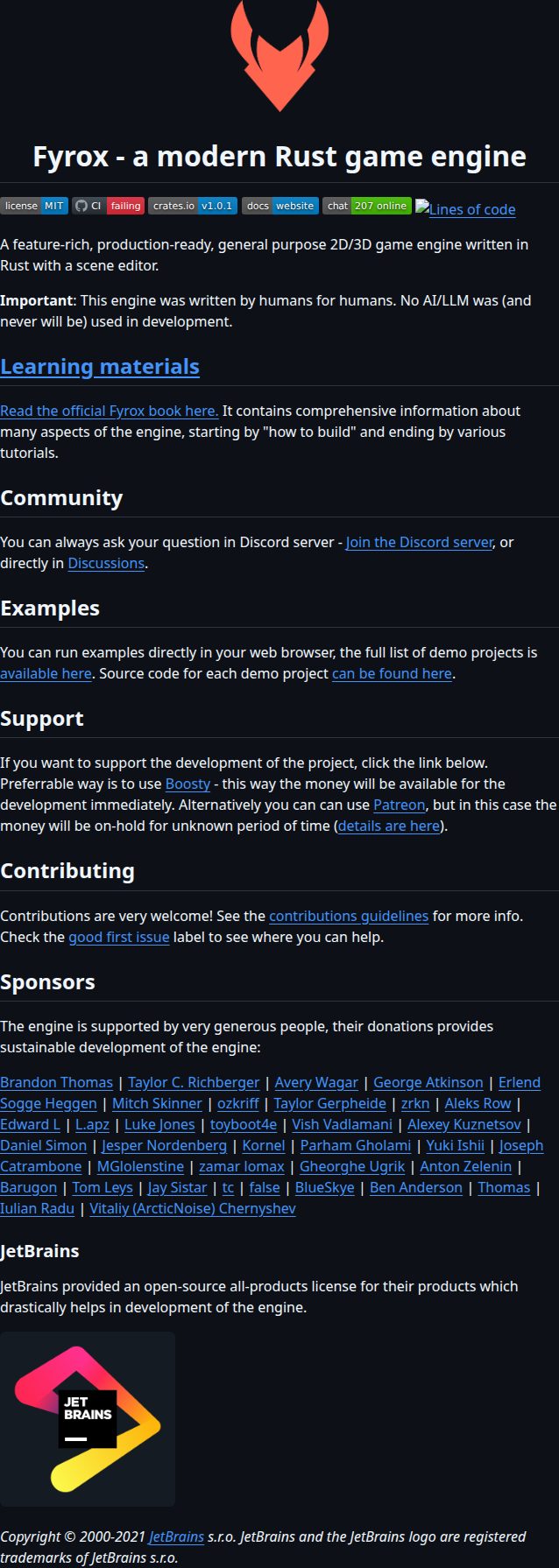 Repository screenshot
FyroxEngine/Fyrox
3D and 2D game engine written in Rust
git clone https://github.com/FyroxEngine/Fyrox.git
Short demos. New discoveries. Less noise in your feed.